The Log Viewer page allows DOH Administrators to look at system logs for informative and troubleshooting purposes. To access the page, go to Administration: Log Viewer. The Log Viewer page opens.
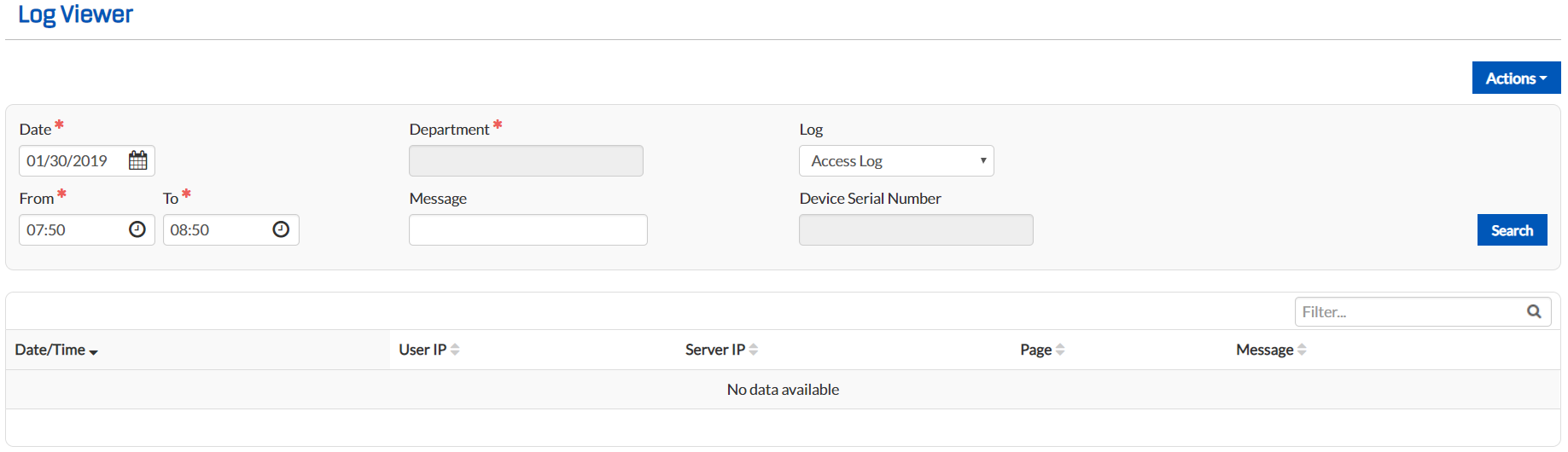
To filter the table, use the advanced search toolbar. Select a date and time within which to search, choose a department, or enter a message or device serial number to narrow results. From the Log drop-down list, select the logs you want to view. Types of logs available include:
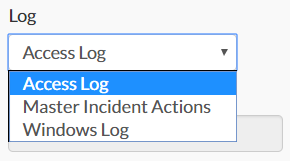
- Access Log – This option displays the page a logged-in user accessed as well as the date and time it was accessed, a brief message describing what actions were performed while on the page, and the user's and server's IP addresses.
- Master Incident Actions – This option shows system actions, including the date and time of the action, the action, the user who performed the action, the incident the action impacted, and a brief message describing the reason for the action.
- Windows Log – This option shows all Windows messages in one comprehensive log.