As an administrator, you can control the devices users are allowed to use to access TripTix. From the Device Management subtab, you can edit, delete, and activate devices as your privileges allow.
Unique auth codes can also be generated from this subtab.
To activate or deactivate a device
-
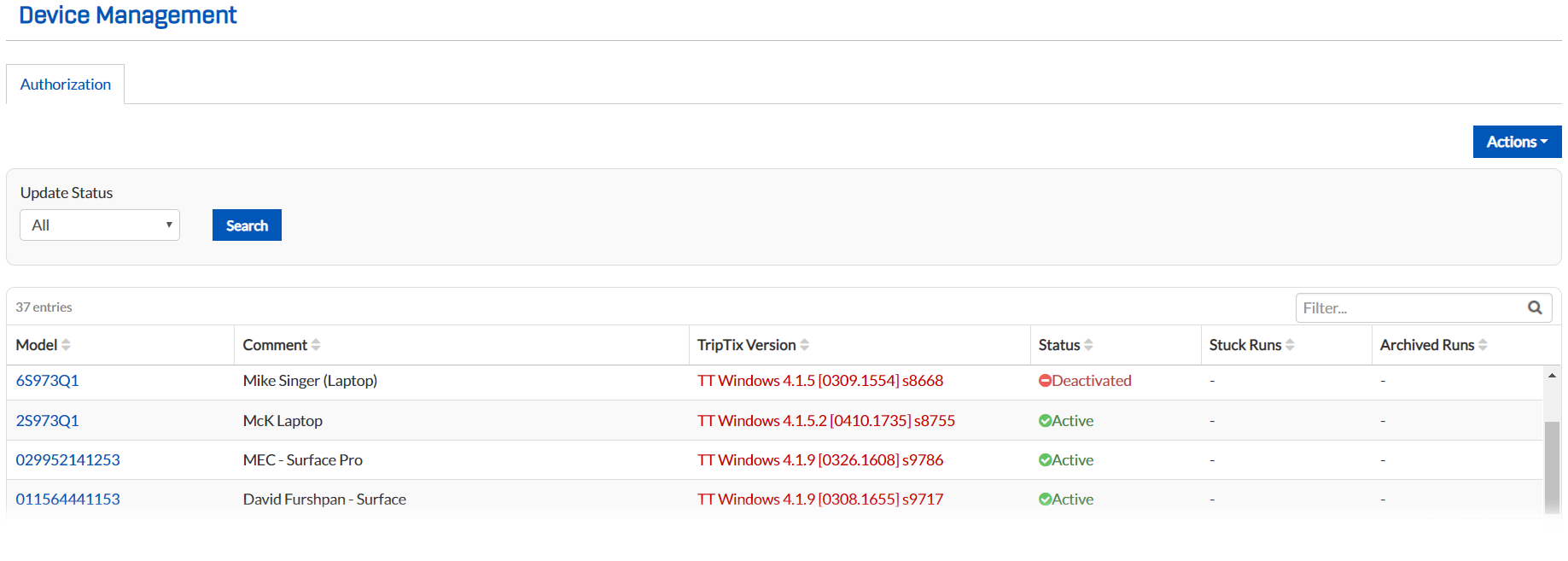
From any page, go to Administration: Device Management.
-
Click the Authorization tab.
-
Locate the appropriate serial number and click it. The Edit Device window opens.
-
To make a device active, for Status, select Active.
-
To make a device inactive, for Status, select Deactivated.
-
Click Save.