By tapping the Bulletins button on the TripTix Windows Home page, you can view the announcements sent to you by your supervisor. Some of the announcements might require you to acknowledge you have read them.
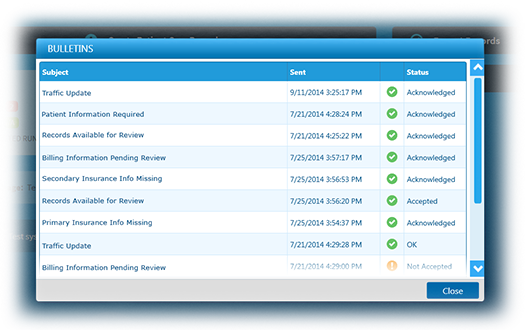
To acknowledge announcements in Windows
-
In the Bulletins window, tap the announcement.
-
Read and review the information in the announcement.
-
Tap Accepted to let the administrator know you have read the announcement.