In Web, adding patient allergies is slightly different than in Windows. The following procedure outlines how to manage patient allergies in TripTix Web.
To add a patient allergy in Web
-
In the side navigation of an open run record, click Medical History. The History subsection is displayed.
-
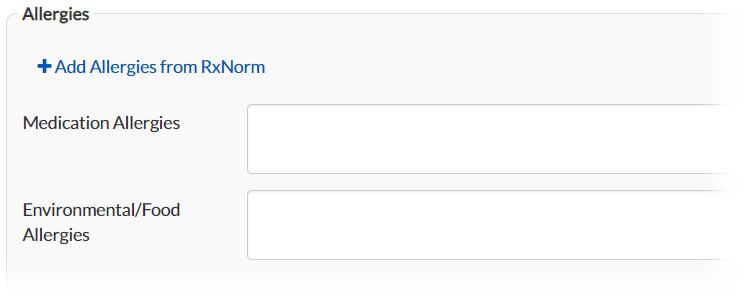
Go to the Allergies subsection and click Add Allergies from RxNorm.
The Search for RxNorm medications window opens. -
Select the check box corresponding to the appropriate medicinal allergen.
-
Click Add. The allergen appears in the Medication Allergies field text box.