The following list describes the color-coding system used for fields in each page of the run record.
-
Red Line and Star – The field is required, or the data entered in a given field is invalid. If information is not entered, selected, and valid, TripTix is not able to submit the run record for billing.
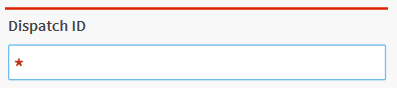
-
Yellow Line and Star – The field is recommended. If information is not entered or selected, a warning message appears before you submit the report. Reports can be sent to billing with warnings still remaining.
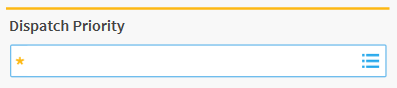
Tabs use the following color codes.
-
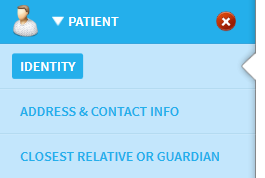
Light Blue – The tab is open.
-
Green Check Mark – The tab has been reviewed and all required fields are complete.

-
Red X – Required fields on this tab are missing information.

-
Gray Check Mark – The tab has not been reviewed but does not contain any required fields.
