When an addendum is requested for a run record, you can add the addendum from within TripTix Windows.
To add an addendum in Windows
Tip: Use the search fields at the top of the window to find the run records you need.
-
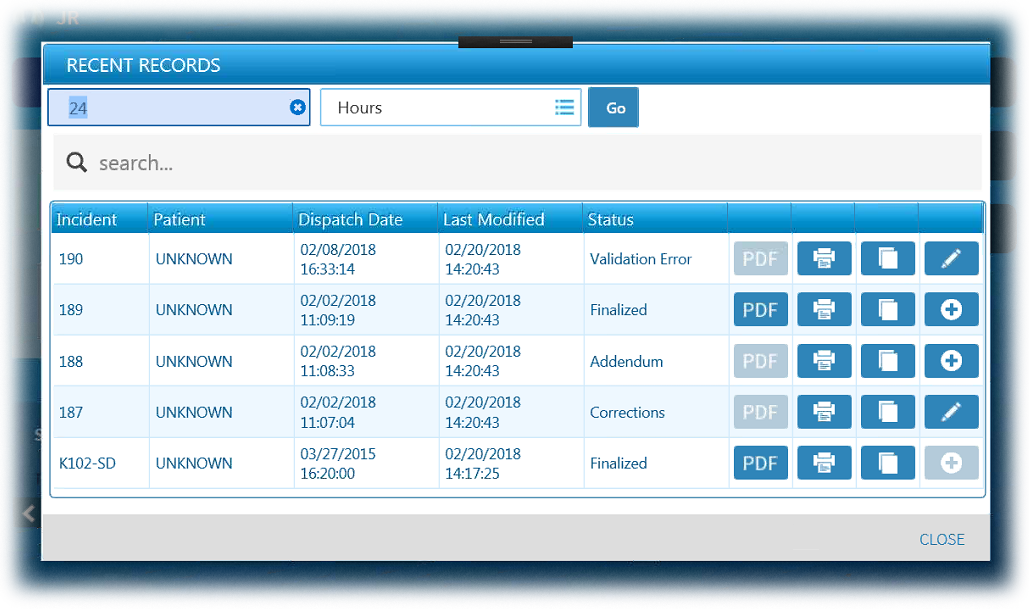
On the Home page, tap Recent Records. The Recent Records window opens.
-
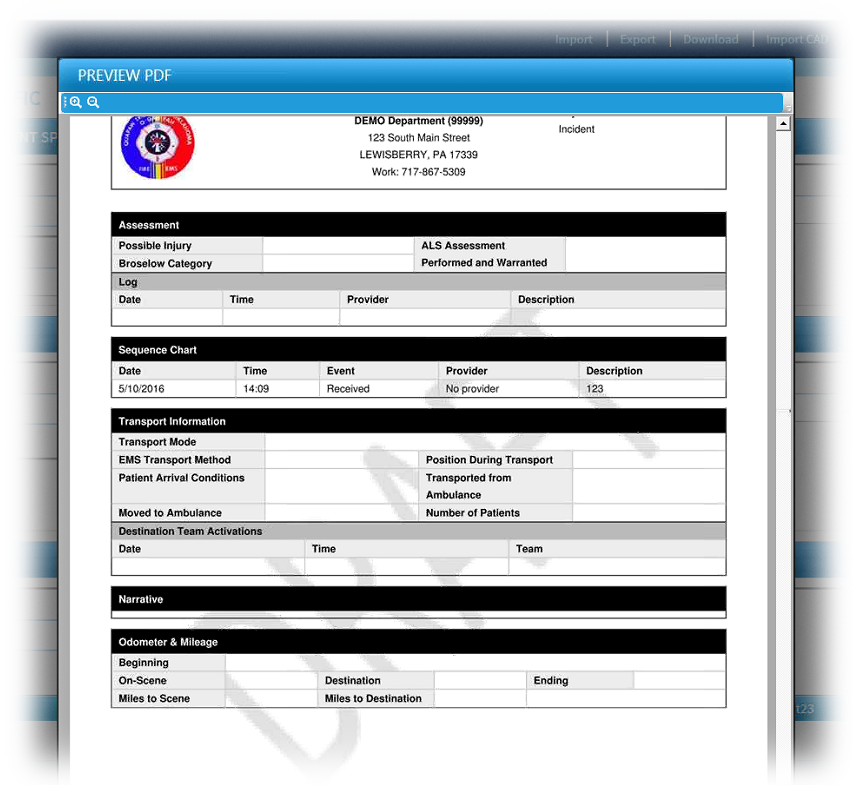
Locate the appropriate run with Addendum in the Status column and tap its associated plus button. The Preview PDF window opens.
-
If necessary, review the reason the addendum was requested.
-
For Addendum, add your addendum as applicable.
-
When finished, tap Save.
The run record's status is shown as Complete while the record processes. Once processed, the new status will be Pending Review.