CDX affords administrators different levels of control when it comes to data fields within a run record. With the appropriate permissions, administrators can set a data element’s title and give the field its own custom title.
To Edit a Data Field Configuration
-
Go to Administration> Pick Lists.
-
Search for and select Data Field Configurations. The Data Field Configurations page opens.
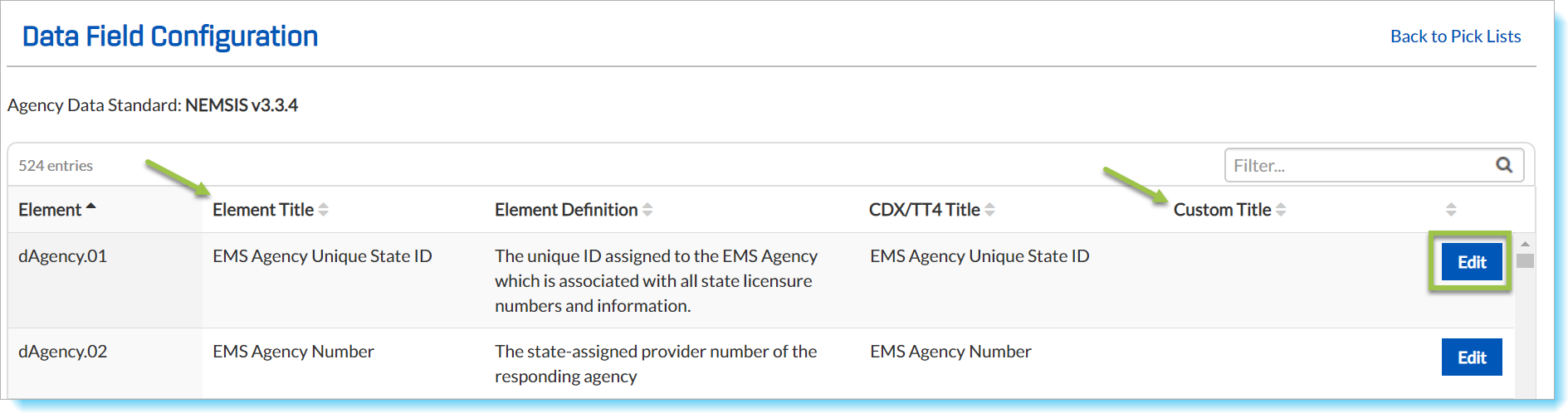
- The default names of the NEMSIS elements are listed under Element Title. Locate an element you wish to rename.
-
Click Edit in the element’s row. The Configure Data Field modal window opens.
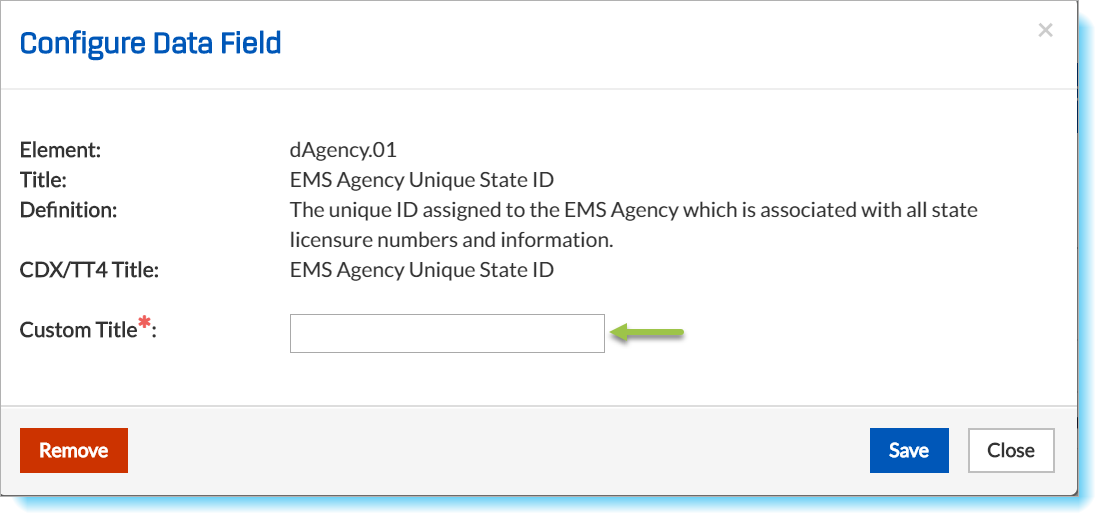
- Enter your chosen title in the text field. Click Save.
Your custom title will appear in the Custom Title list on the Data Field Configuration window.