About Table View
If you choose to view a run record in table view, you will see the Sequence Chart on the left and the Data Entry section on the right of your screen.
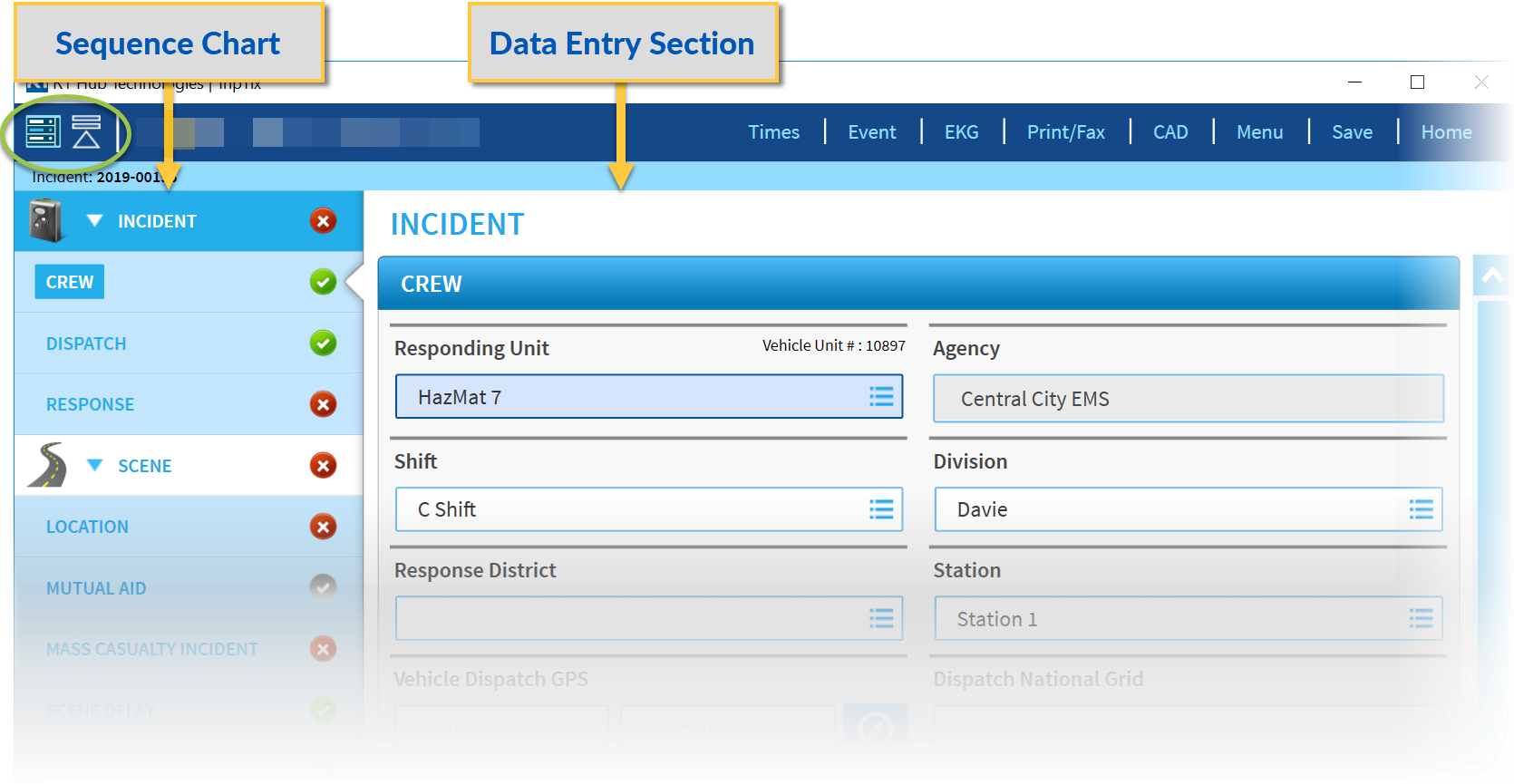
You can switch between table view and data-entry view by tapping the Table View icon- - at the upper-left of the screen. ) The Data Entry section will fill the width of your screen.
To display sub-sections of the Sequence Chart, tap the Expand icon- - at the upper-left of the screen.
To hide sub-sections of the Sequence Chart, tap the Collapse icon- - at the upper-left of the screen.