TripTix User Photos
Departments can personalize the TripTix experience by uploading a photo of each user.
To Manage User Profile Pictures
To manage permissions for this function
- Go to Administration> System Settings> Other.
- Use the Filter field to search for Manage User Profile Picture.
- In the dropdown on the row, choose which individuals will be allowed to manage user photos, Manager Only, Manager or Supervisor, or Manager, Supervisor, or User. (The default is Manager Only.)
- Click Save.
To Upload User Profile Pictures
After selecting a permissions level, go to Administration> Users to upload photos.
|
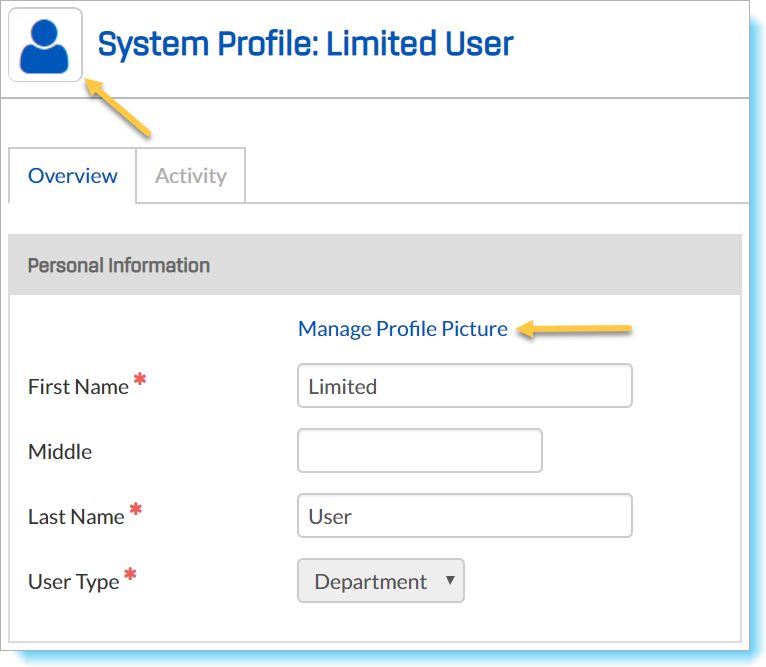 |
At any time, you may return to Manage Profile Picture and choose Restore to Default. The blue user icon will replace the user’s photo.
If a user is associated with more than one department, each department will need to manage that individual’s photo independently.