When the QA Review setting is turned on for a department, after runs are approved and released by the supervisor reviewer, the system automatically routes ePCRs for QA review.
The QA review process allows a third tier of review with all the same capabilities of the Supervisor Review. Expanding on the supervisor review capabilities, the QA review also includes the ability to escalate a run to the Medical Director or another individual for further attention.
Note: Runs in QA Review status are not held from export because the review may be performed at a later date.
To configure QA Review for your department
-
From any page, go to Administration: System Settings.
-
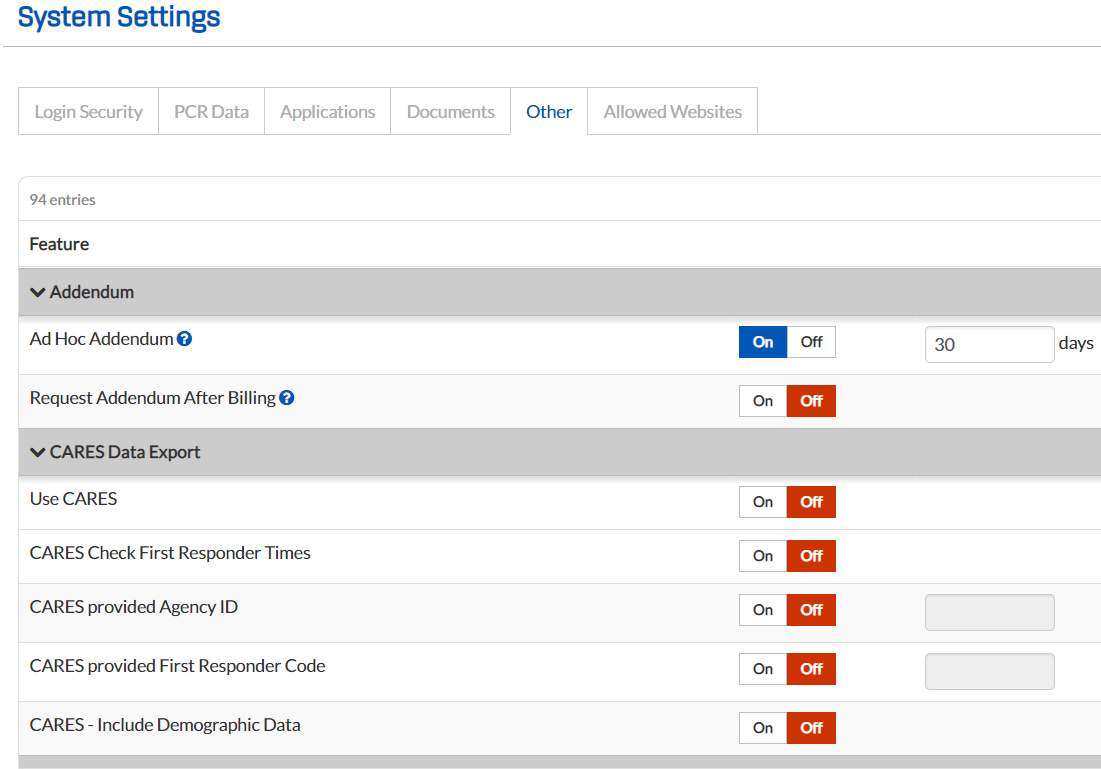
On the System Settings page, click the Other tab.
-
Locate the QA Review section and, for QA Review, select On.
-
Configure the remaining QA review settings as desired. See Manage Other Settings for more information.
-
Click Save.