The Requests tab allows you to add or manage Exception and No Data Report (NDR) requests. To access requests, click the Requests tab from the main menu.
Note: The image below reflects the page as seen by Department Administrators. What you see may be slightly different if you are a DOH Administrator.
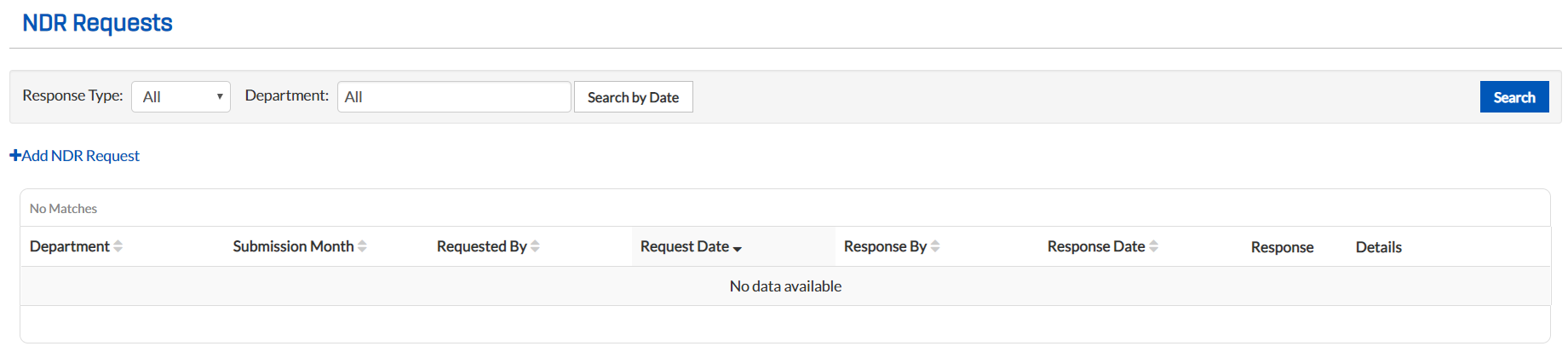
You can sort the columns by clicking the column header.
NDR Requests
An NDR request is made when a department has no available data for a certain month. Requests must be accepted or denied in order to comply with regulations.
-
Respond to an NDR request (DOH Administrators).
Exception Requests
An Exception request is made when the information to be submitted for a certain month is not ready or available for submission. Extensions must be formally requested in order to comply with regulations. The following types of extensions are available:
-
A temporary extension that provides an extended due date for the requested submission month.
-
A permanent extension that provides additional flexibility by not setting a due date for the requested submission month; however, it is not an exemption and the data must eventually be submitted.
You can do the following for exception requests:
-
Respond to an Exception request (DOH Administrators).